Blog
-
Transform Chaos into Control: Centralize Node-RED Management with FlowFuse
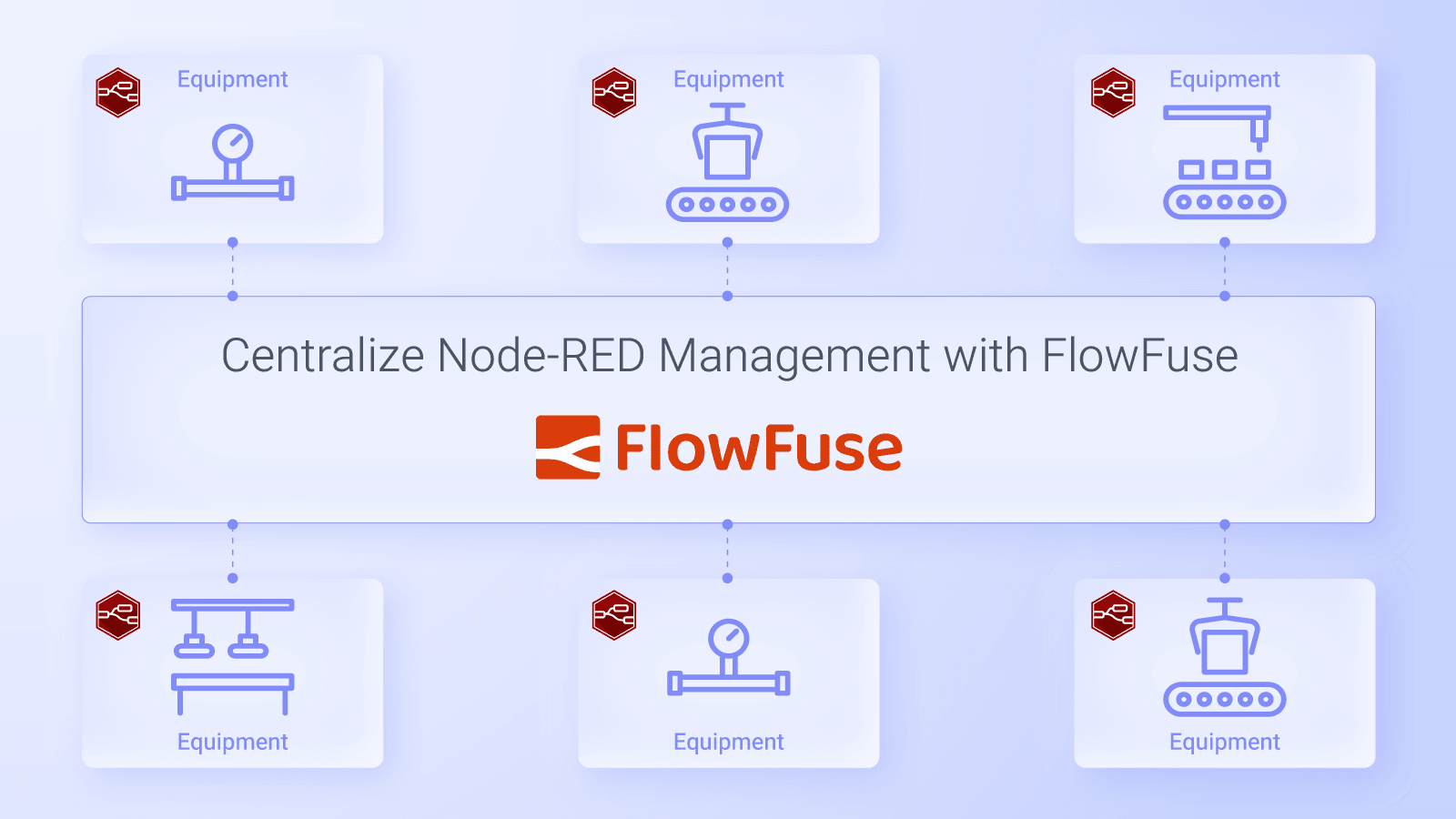
Managing a single Node-RED instance involves setting up and configuring a server, securely tunneling for remote access to edge devices, and ensuring proper networking and firewall configurations, all of which can be complex. The complexity increases when overseeing multiple Node-RED instances spread across various projects, edge devices, or environments.
read more... -
FlowFuse's Software bills of material helps enhance Application Security and Management
FlowFuse recently launched Software Bill of Materials (SBoM) for enterprise customers. This powerful tool enhances security and management within projects, particularly in the Node-RED ecosystem. As open-source libraries and software continue to play a pivotal role in the industry, monitoring third-party components used in projects becomes essential. The SBoM enables organizations to track dependencies and identify vulnerabilities, ensuring compliance and mitigating risks.
-

Dialogs, Customizable Icons and Histograms Now Available in FlowFuse Dashboard
This update introduces new ways to enhance data visualization and customization in your dashboards. With key improvements, including a new chart type, customizable app icon support and a dialog feature for groups, this release helps tailor dashboards for better user interaction and flexibility.
-

Exploring Quick Ways to Write Complex Logic in Function Nodes in Node-RED
Node-RED is a powerful tool for building automation flows through its visual interface and low-code nodes. However, there are times when this low-code approach falls short, particularly when you need to implement complex JavaScript logic. That’s where the Function Node comes into play. Many Node-RED developers excel in their domains—such as IoT integration and PLCs—but may lack a strong foundation in JavaScript.
-
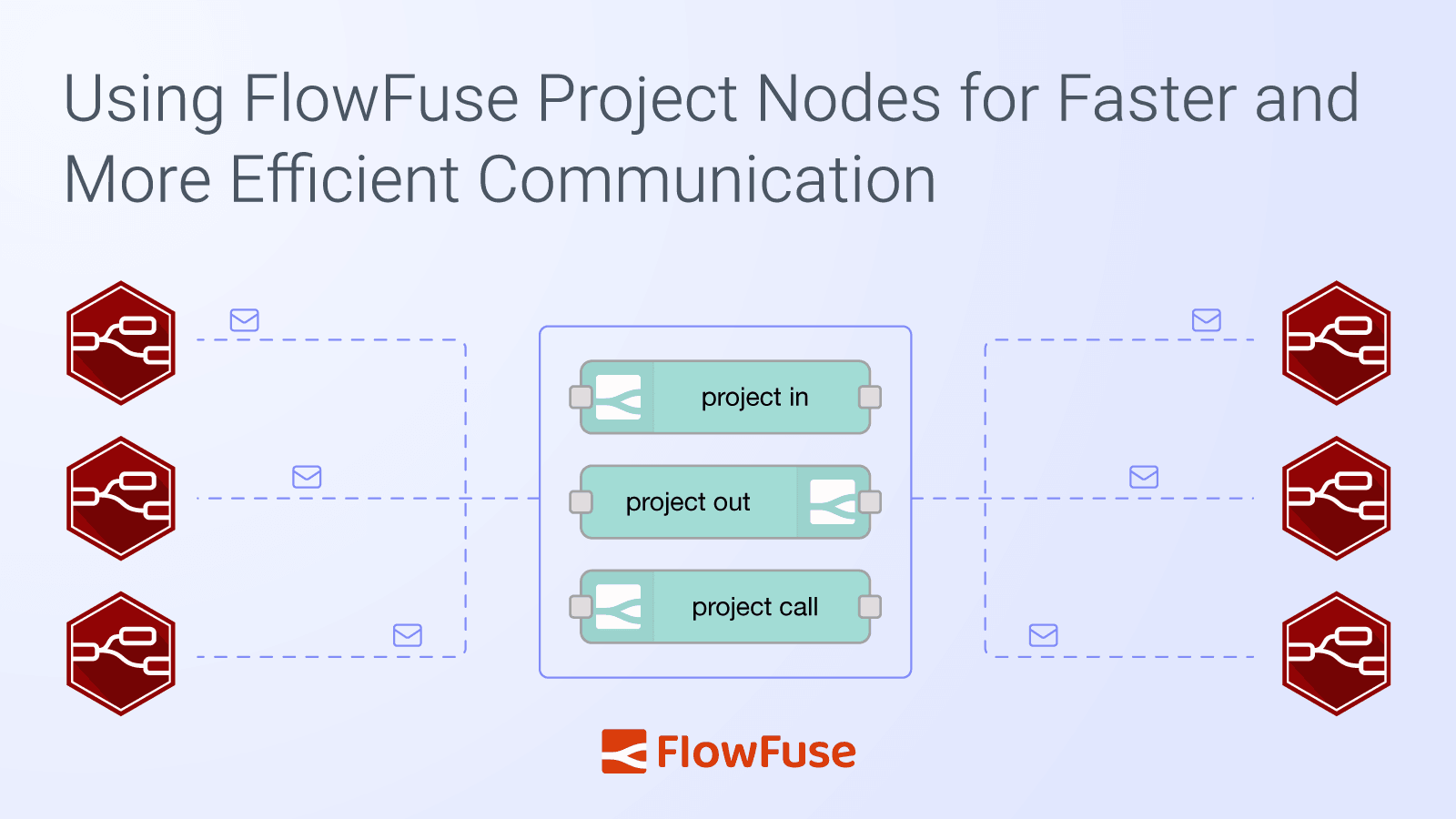
Using FlowFuse Project Nodes for Faster and More Efficient Communication
Node-RED is a powerful tool for IoT application development, connecting various services and devices. However, establishing communication between different Node-RED instances—whether for monitoring or control—can be complex. This often requires detailed configurations and protocols like MQTT, HTTP, or CoAP, despite its seamless integration with many protocols.
-
Creating and Automating DevOps Pipelines for Node-RED in Industrial Environments
When deploying any update in your manufacturing or automotive process, it is important to perform testing and validation. The smallest errors can lead to a production outage. In such cases, having a quick and reliable deployment process is essential for maximising uptime and minimising downtime.
-
Using Snapshots for Version Control in Node-RED with FlowFuse
Version control is essential, especially when multiple people are working on the same Node-RED project. Without it, changes can easily overlap, or worse — accidental updates could break critical flows. FlowFuse solves this challenge with snapshots, allowing you to create backups of your flows, restore previous versions, and safeguard your project from unexpected issues.
-
FlowFuse 2.9: Software Bill of Materials & Public Static Assets
FlowFuse 2.9 bring improvements in application maintenance with the new "Software Bill of Materials" and in building full stack applications, with an iteration on the "Static Asset Service", by providing the option to "share" your assets assets publicly, making them consumable by external services and your Dashboards.
-

How to Scrape Data from Websites Using Node-RED
Web scraping has become an indispensable tool for monitoring news, tracking competitors, and gathering insights. In this guide, you'll learn how to harness the power of Node-RED for efficient web scraping, allowing you to extract and manage data from various websites with ease that are not exposed through an API.
-
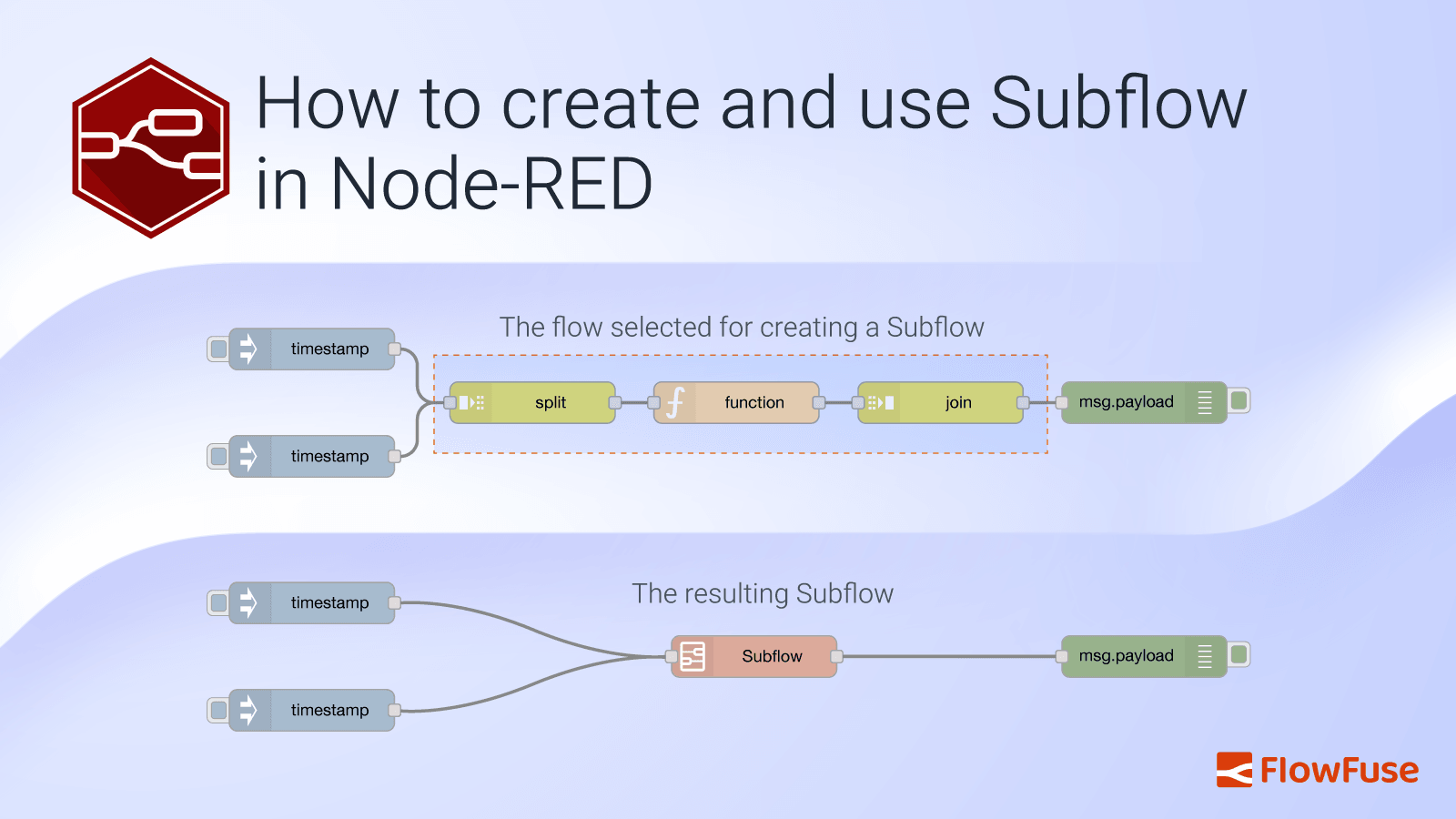
How to create and use Subflow in Node-RED
In traditional programming, managing complex and repetitive tasks can quickly lead to a tangled mess of code that’s hard to maintain and update. To tackle this issue, developers use libraries or modules—reusable chunks of code that help organize functionality, minimize duplication, and keep codebases clean and manageable.
-
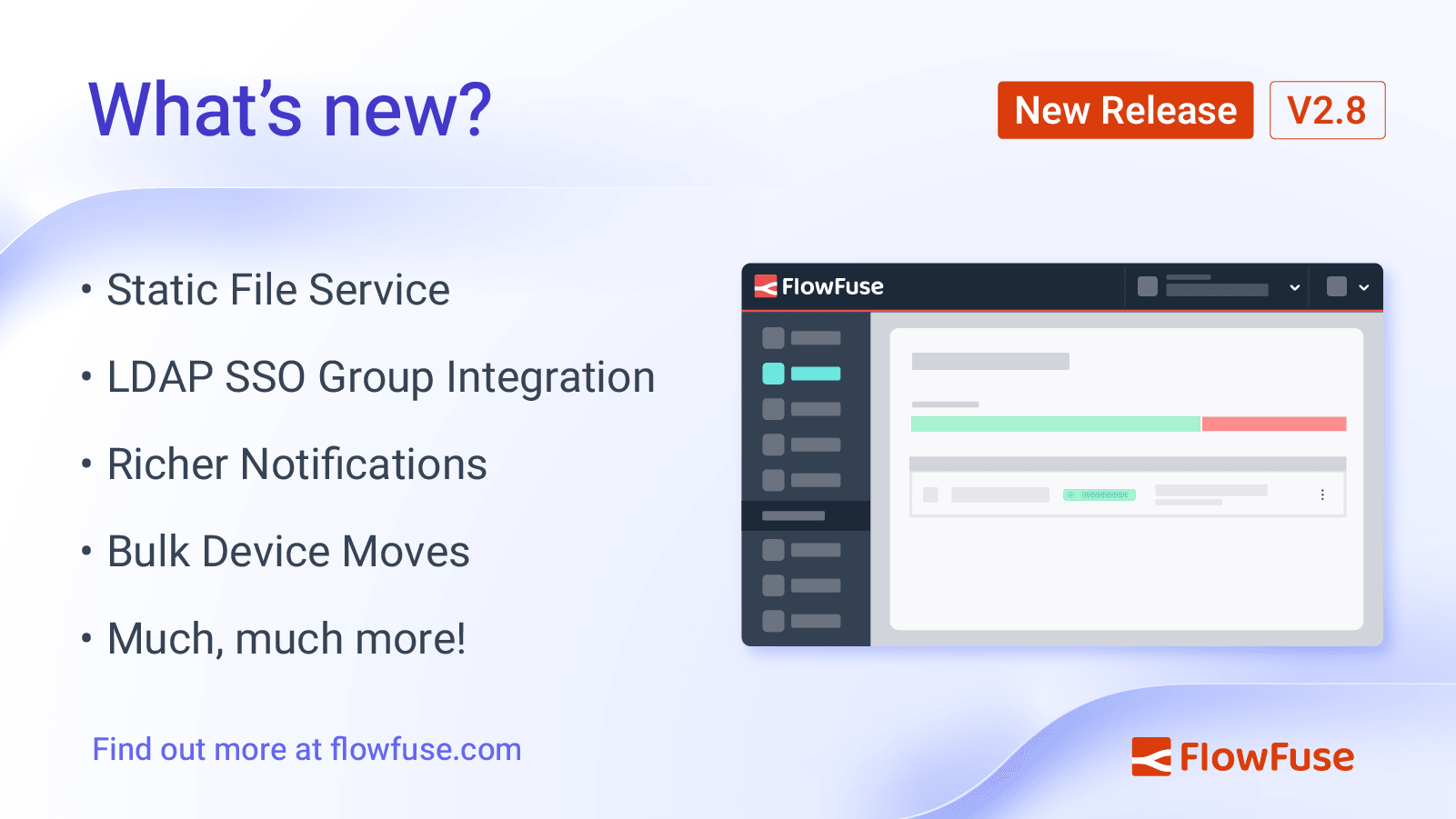
FlowFuse 2.8: Static File Service, LDAP Updates & More
FlowFuse 2.8 sees a new major feature introduced to the platform. The first iteration of the "Static Assets Service" is now available, allowing you to host and serve static files from your FlowFuse instance, giving you easy access to file storage for your applications, and seamless integration of those assets and files within Node-RED.
-
New Layout, Widget and Gauges Now Available in FlowFuse Dashboard
At FlowFuse, we're constantly evolving to make sure your dashboard experience is seamless and efficient. This month, we're excited to introduce several new features that enhance your interaction with the platform. From organizing your data with Tabs to visualizing critical information with new Gauges, we've got you covered.
-

MQTT Sparkplug B Implementation: Protocol, Architecture & Best Practices
Connected devices can generate a lot of data, but without a standardized format, managing and consuming it can be tricky. MQTT certainly simplifies getting your messages delivered but it does not enforce any structure. This is where MQTT Sparkplug B helps by providing a clear, standardized format for data. In this guide, we’ll show you how to use MQTT Sparkplug B with Node-RED to make managing your device data easier and more organized.
-
Monitoring and Optimizing Node-RED Flows with Open Telemetry.
Have you ever found yourself frustrated by unexpected delays in your Node-RED flows, wondering where the bottlenecks are hiding? Even small latency issues can have a big impact on your system's performance. That's where Open Telemetry comes in. With its powerful distributed tracing capabilities, you can finally take control and get a clear view of how your flows are performing in real time.
-
Bridging OPC UA Data to MQTT with Node-RED
Have you ever found yourself trying to connect old industrial systems with new IoT tools? This is a common scenario when trying to digitally transform while setting up your Unified Name Space. Maybe you have machinery that uses OPC UA, but your data is sent through MQTT. How do you make these systems work together smoothly?
-
Customise theming in your FlowFuse Dashboard
A recent release of FlowFuse Dashboard (Dashboard 2.0) has taken customization to the next level.
-
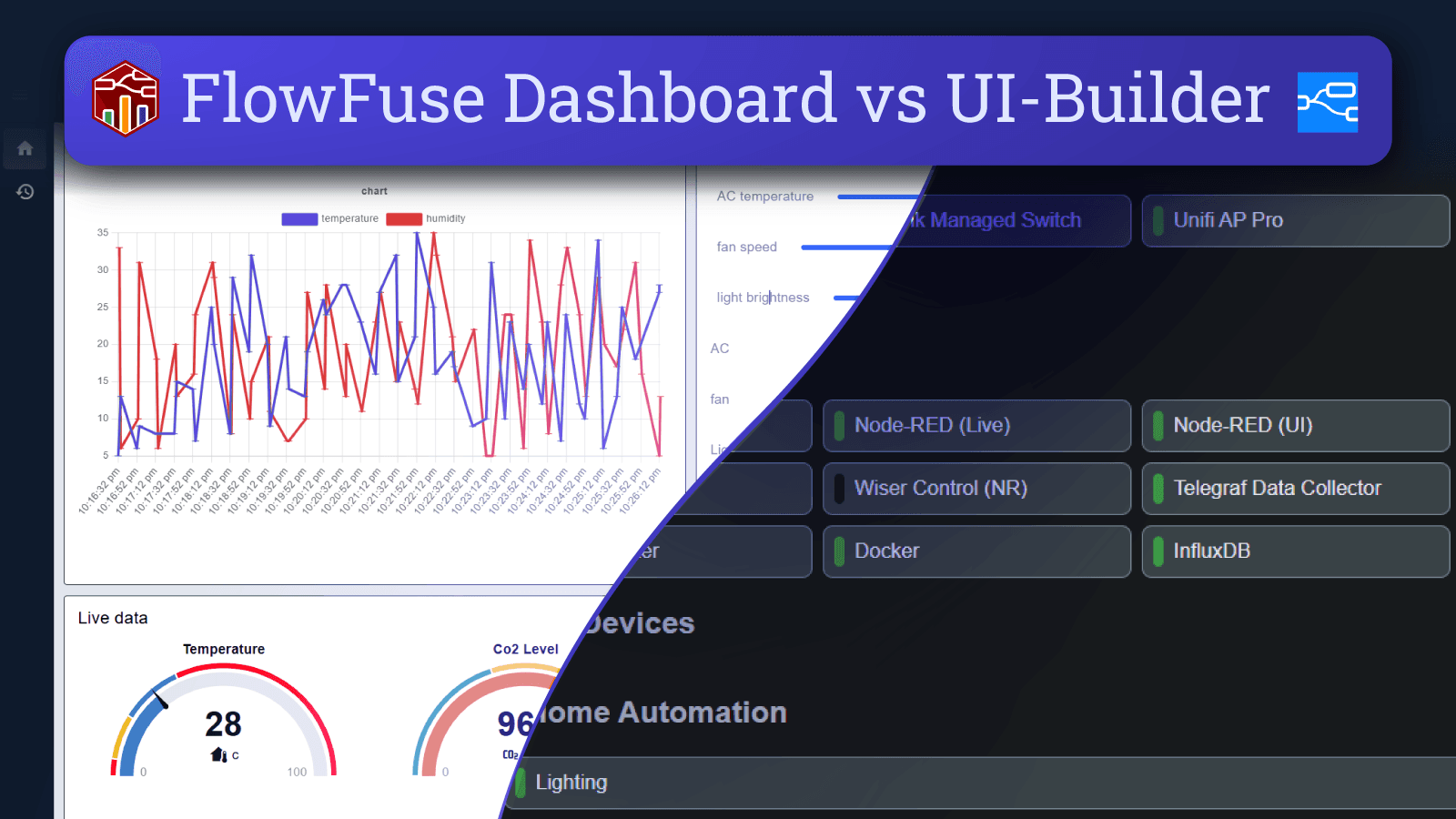
FlowFuse Dashboard vs UI-Builder: A Comprehensive Comparison
When choosing a dashboard solution for Node-RED, two popular options are FlowFuse Dashboard (also known as Dashboard 2.0) and UI-Builder. This article compares these tools across several key areas, including installation, ease of use, development activity, and customizability, to help you decide which one best suits your needs.
-
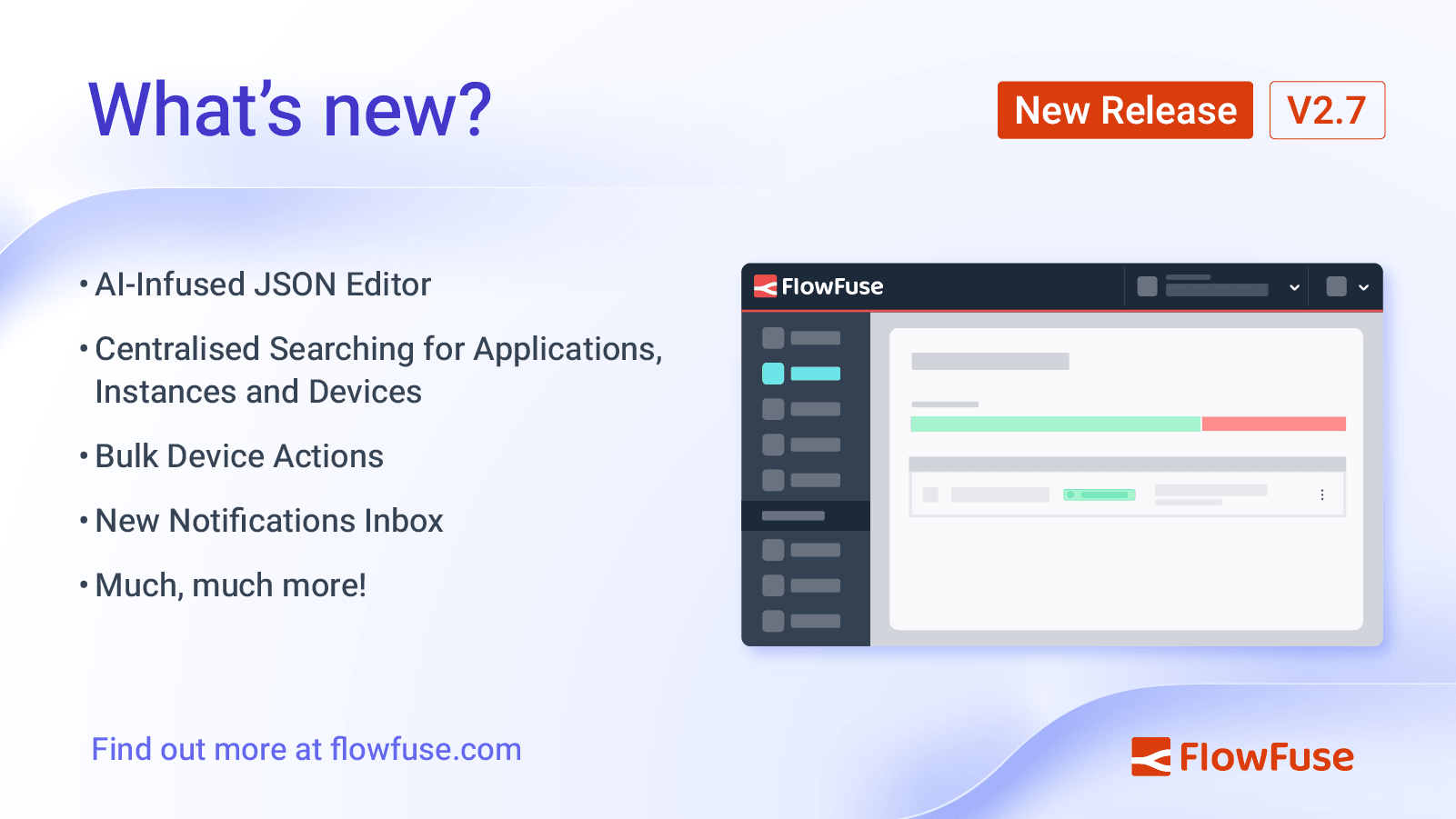
FlowFuse 2.7: Improved management at scale & AI JSON Editor
FlowFuse 2.7 has had a big focus on user experience improvements, particularly centered around teams running at large scales, with over a thousand devices and instances. With this in mind, we've introduced a new search feature that allows you to search across all of your FlowFuse instances, devices and applications from a single place, made it easier to manage your devices with bulk actions, introduced a new notifications inbox to give you a clearer picture on activity across your team, and just for good measure, we've also extended the AI-infused Node-RED experience to the JSON Editor.
-

How to Set Up SSO LDAP for Node-RED
A few days ago, we published a blog explaining SSO and how to set up SAML for your self-hosted FlowFuse. Now, in this guide, we will walk you through the process of setting up SSO with LDAP for your self-hosted FlowFuse. We will use OpenLDAP as the provider and cover everything from introducing LDAP, how it works, installing and configuring OpenLDAP, managing users (create, delete, update), and finally setting up FlowFuse for SSO with LDAP.