Blog
-
Interacting with ESP32 Using Node-RED and MQTT
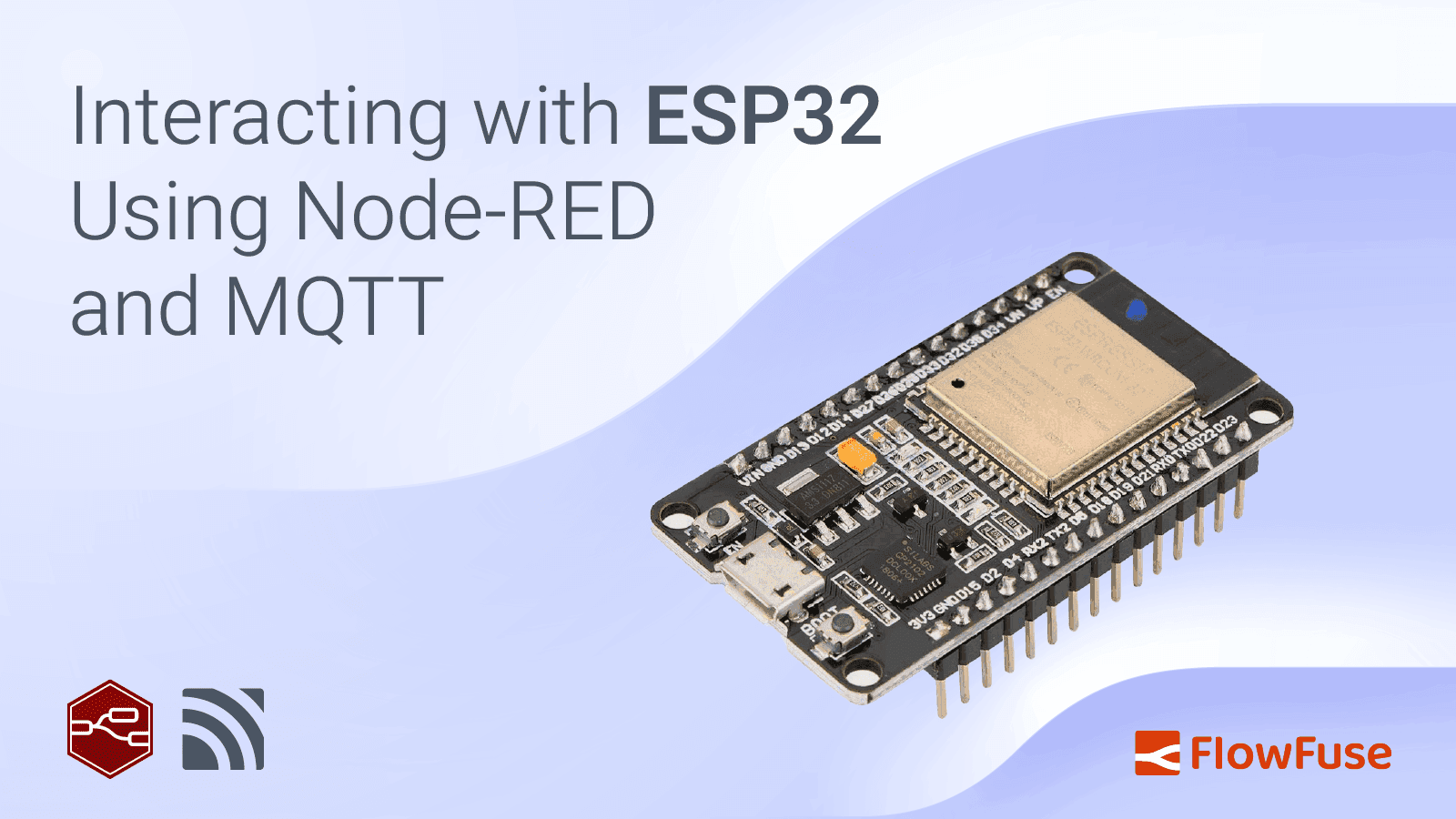
The ESP32 is an affordable and powerful microchip that combines Wi-Fi and Bluetooth in one small package. It's commonly used in smart devices like home automation systems, wearables, and other IoT projects. Despite its low cost (around $6), it offers strong performance, and low power consumption, and is compatible with popular platforms like Arduino. Whether you're a hobbyist or a business, the ESP32 provides great value, making it easy to create wireless devices without a big investment. This tutorial demonstrates how to set up communication between the ESP32 and Node-RED using MQTT, along with an interactive dashboard via FlowFuse for a user-friendly interface.
read more... -
Run FlowFuse Device Agent as a service on MacOS using Docker
The FlowFuse Device Agent is a tool that enables you to run Node-RED on various hardware devices, such as Raspberry Pi, Windows, MacOS, and PLCs. Running Node-RED directly on the device helps when your application flow needs direct access to sensors and actuators connected to the hardware, facilitating seamless integration with the FlowFuse platform. This integration enables secure management, monitoring, and remote editing of flows from a centralized platform, even at the edge.
-
How to Scrape Data from Websites Using Node-RED
Web scraping has become an indispensable tool for monitoring news, tracking competitors, and gathering insights. In this guide, you'll learn how to harness the power of Node-RED for efficient web scraping, allowing you to extract and manage data from various websites with ease that are not exposed through an API.
-
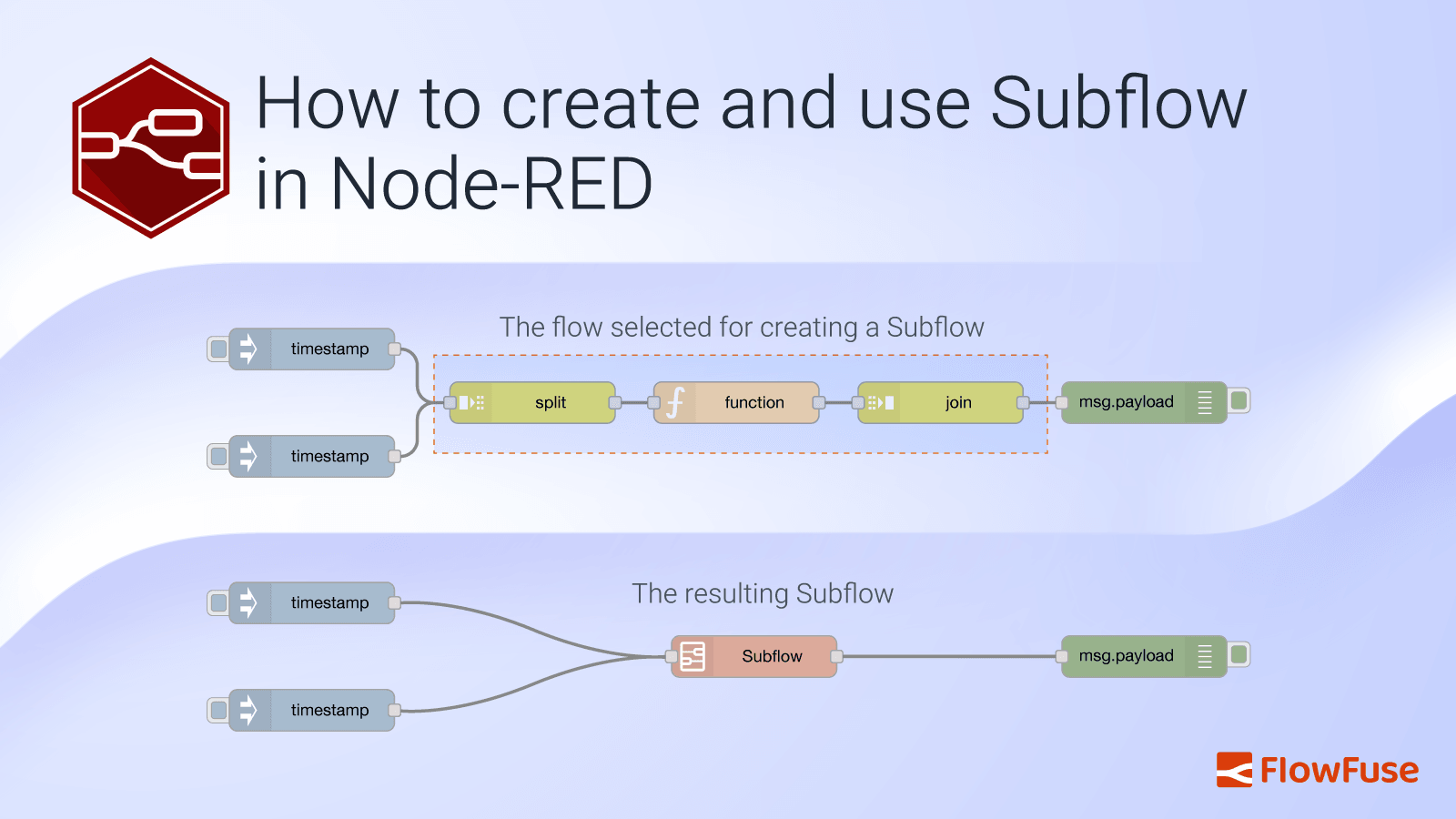
How to create and use Subflow in Node-RED
In traditional programming, managing complex and repetitive tasks can quickly lead to a tangled mess of code that’s hard to maintain and update. To tackle this issue, developers use libraries or modules—reusable chunks of code that help organize functionality, minimize duplication, and keep codebases clean and manageable.
-
Storing Data: Getting Started with Node-RED
It's quite straightforward to pass plenty of useful data with each message (msg) in your flows. Not only can you store information in msg.payload, but you can also place information in any other named object, for instance, msg.store.
-
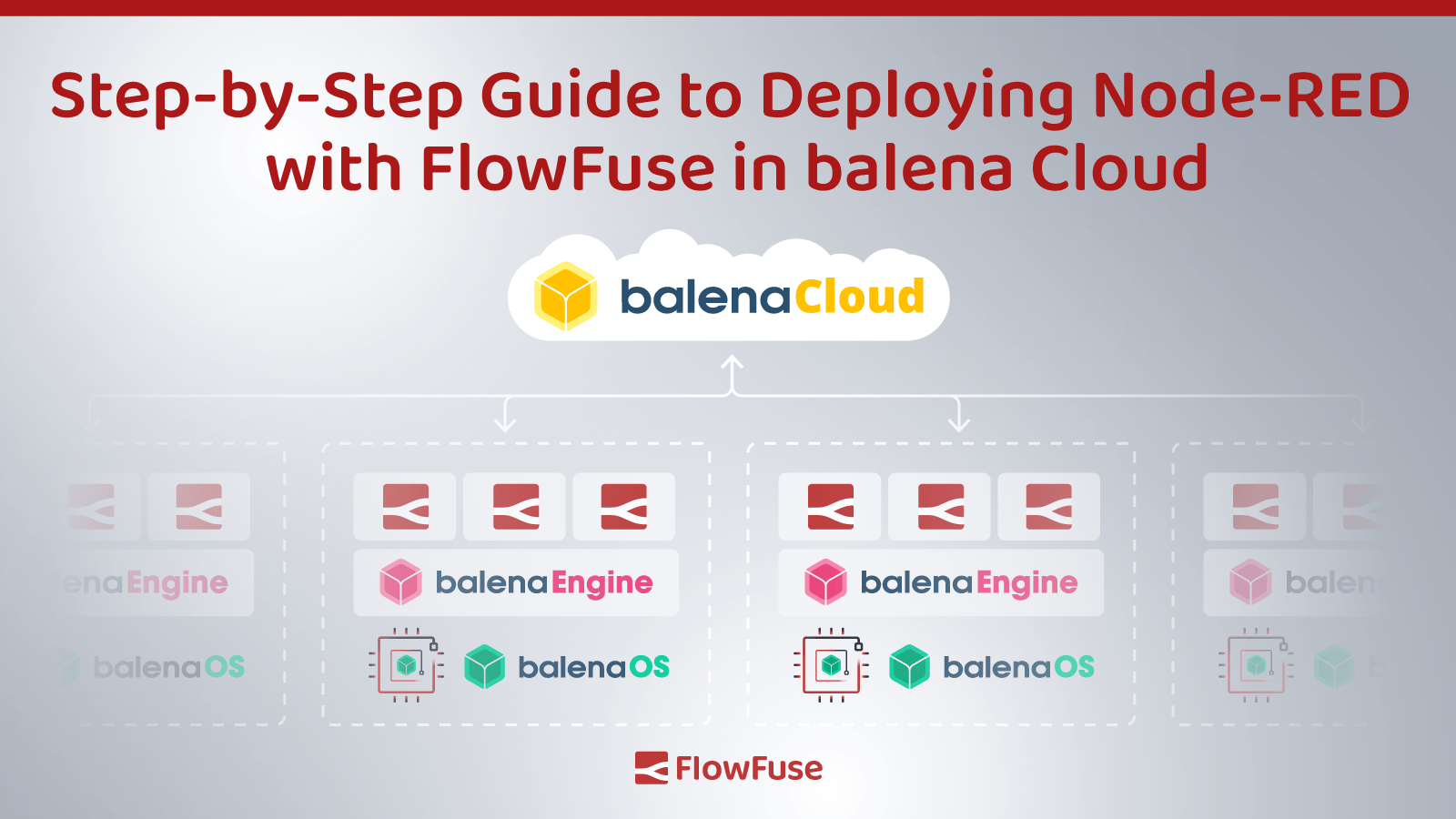
Step-by-Step Guide to Deploying Node-RED with FlowFuse in balenaCloud
In a recent webinar with balena, we explored the dynamic capabilities of deploying FlowFuse to a fleet of devices using balenaCloud. This blog post serves as a practical guide to replicate that process, specifically tailored for those aiming to streamline their deployment of FlowFuse in an efficient and user-friendly manner.
-
Capture Data from edge devices with Node-RED
While cloud computing has revolutionized data access and analysis, not all data can be accessed from the cloud. In many scenarios, data collection from the edge – the location where data is generated – is essential for real-time decision-making or process observability.
-
Send a File to Node-RED
Have you ever needed to send a CSV file to your Node-RED instance? This file can go on to populate a shift schedule, product specifications, or some other configuration file that is used. In this guide, we provide a couple of options to upload the data to your Node-RED for further processing and to organize the data to be sent on or used.
-
Import a File into Node-RED with Dashboard 2.0
Need to get a file into Node-RED, but don't want to over complicate things. This article outlines how you can leverage Dashboard 2.0 to import a file directly into Node-RED via a Dashboard.
-
Run Node-RED as a service on Windows
FlowFuse's device agent allows you to manage and run your Node-RED instances on your own hardware such as a Raspberry Pi or Windows computer. This can be very useful where an application you've written needs to run flows with direct access to hardware sensors.
In this article, we're going to explain the steps to configure our device agent to run as a service in Windows using the nssm utility.
-
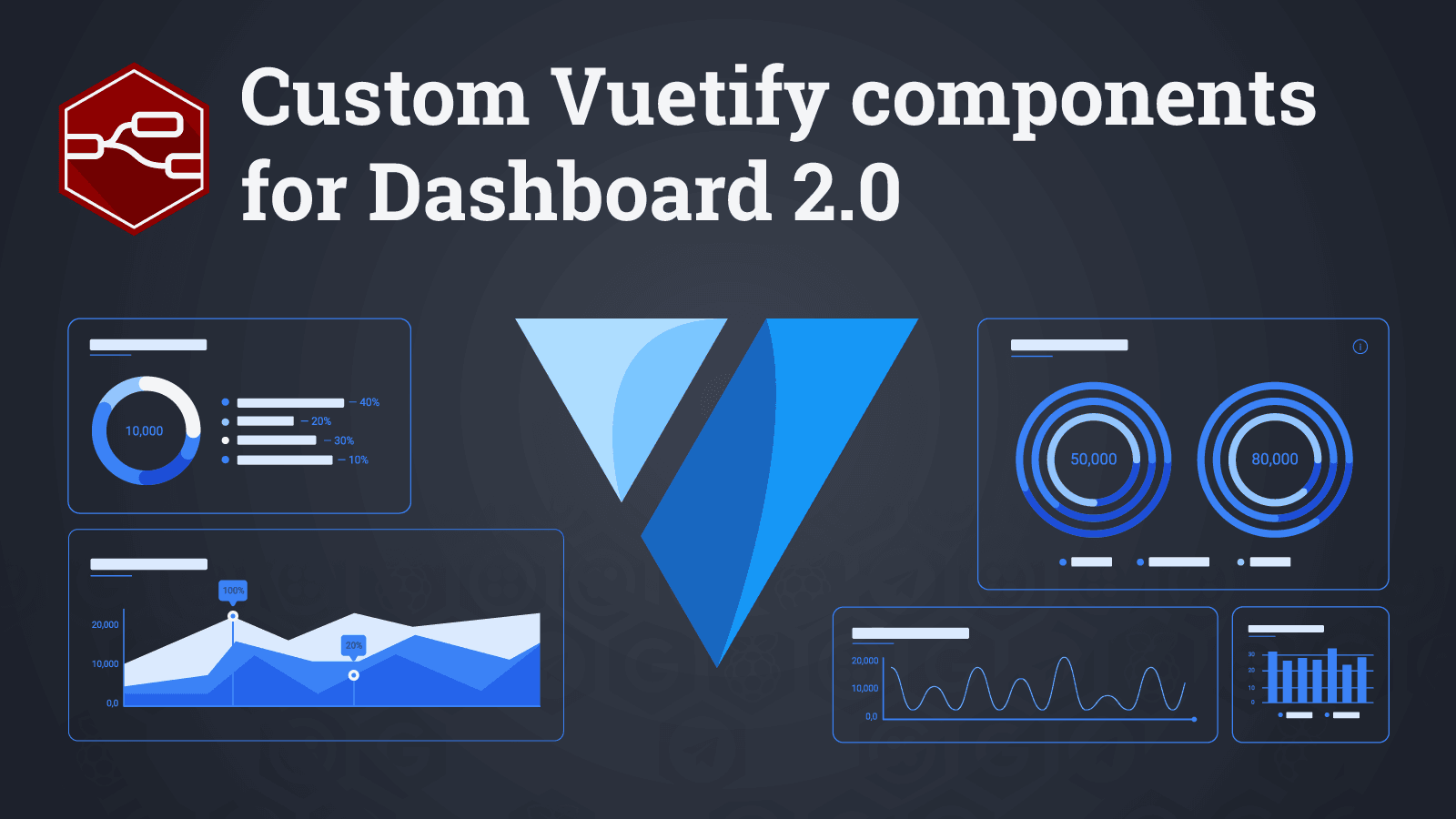
Custom Vuetify components for Dashboard 2.0
Vuetify is a library of UI components using Vue. This saves the developers of Dashboard 2.0 a lot of time, but it can also help you, the end-user. As Vuetify is now included, it can be used to include any of their components. So in this post we're going to use a few of these to teach you how to use any of them.
-

How to Deploy a Basic OPC-UA Server in Node-RED - Part 1
This article is the first part of a series of OPC-UA content. Here, we will explain some basic concepts of OPC-UA as they apply to building a server in Node-RED, then walk through and deploy an example OPC-UA Server.
-
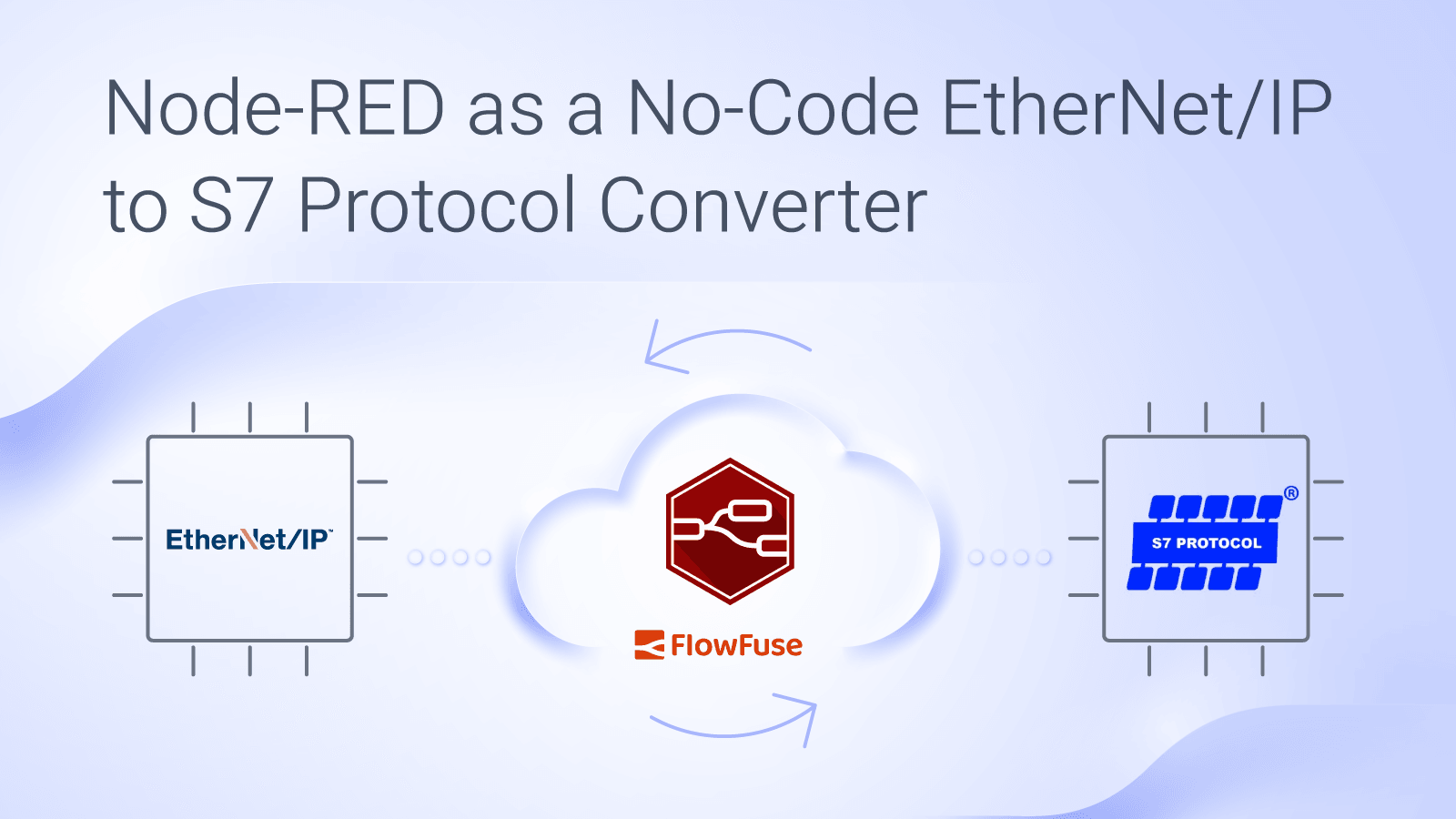
Node-RED as a No-Code EtherNet/IP to S7 Protocol Converter
Frequently in industrial automation, there's a need for two devices that use different protocols to communicate with each other, requiring protocol conversion.
In this tutorial, we present a mock scenario where Node-RED is used to enable an Allen Bradley PLC, which uses ethernet/IP, to communicate with a Siemens PLC, which uses S7, using a no-code solution. This example is geared toward beginners and assumes that the end-user knows how to use PLCs, but may be using FlowFuse or Node-RED for the first time. -
Node-RED Tips - Dashboard Edition
There is usually more than one way to complete a given task in software, and Node-RED is no exception. In each of this series of blog posts, we are going to share three useful tips to save yourself time when working on your flows.
-
Persisting chart data in Node-RED Dashboard 1
Node-RED makes it easy to create HMI (Human Machine Interfaces) using Node-RED Dashboard.
-
Best Practices Integrating a Modbus Device With Node-RED
The world of industrial automation is slow to adopt new technology. With legacy equipment already working and in place, paralyzing down-time costs, and fears of introducing instability into a plant, technology change has a cautious pace.
-
Chat GPT in Node-RED Function Nodes
Recently we posted a demo of ChatGPT integration in a Node-RED function node onto our social media accounts. We have now open-sourced this for all to play with, and welcome any and all contributions.
-
Running the FlowFuse Device Agent as a service on a Raspberry Pi
FlowFuse's device agent allows you to manage and run your Node-RED instances on your own hardware such as a Raspberry Pi. This can be very useful where an application you've written needs to run flows with direct access to hardware sensors.
In this article I'm going to explain the steps to configure our device agent to run as a service in Raspbian OS, or any other OS that uses systemd.
-
Node-RED Tips - Subflows, Link Nodes, and the Range Node
There is usually more than one way to complete a given task in software, and Node-RED is no exception. In each of this series of blog posts, we are going to share three useful tips to save yourself time when working on your flows.